






Introduction: Google Reviews Are the New Word of Mouth
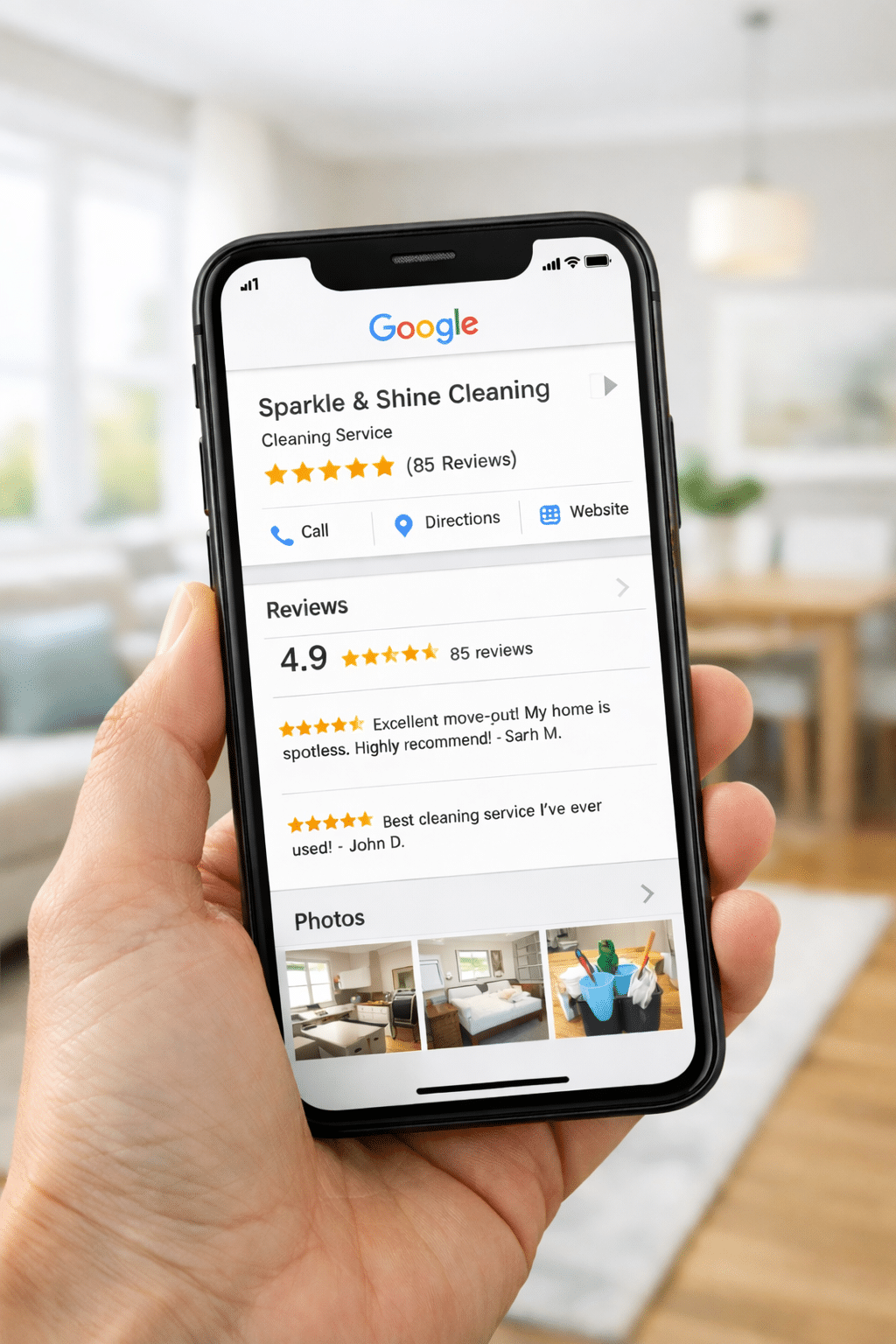
When I first started my cleaning business, I thought being good at cleaning was enough. But after months of working hard, undercharging, and watching less skilled cleaners get better clients, I realized: people don’t just hire the best cleaner — they hire the one they trust most.
And in 2024 and 2025, trust starts on Google.
With 90% of consumers reading online reviews before making a purchase — and 72% saying positive reviews make them trust a business more — you can’t afford to ignore this tool if you want to attract higher-paying client.
Here’s how I went from struggling to break into nicer neighborhoods to booking clients who leave the key under the mat and pay top dollar — all by using Google reviews the right way.
1. Claim and Optimize Your Google Business Profile the Right Way
If you haven’t set up your Google Business Profile (GBP), do it today. It’s free and critical. But just claiming it isn’t enough. Most solo cleaners stop here — and that’s a mistake.
What to do instead:
- Add 5-10 high-quality photos of your work and tools.
- Write a short, local-friendly business description (include keywords like “eco-friendly cleaning,” “deep cleaning,” or “move-out cleaning in [Your Suburb]”).
- Set your service area radius strategically: Include high-income zip codes even if you haven’t worked there yet.
- Use the Questions & Answers section to answer common concerns (“Are you insured?”, “Do you bring your own supplies?”).
Real Example: I updated my GBP description to include “move-out cleaning in Westfield and Scotch Plains,” two wealthier areas I wanted to break into. Within 3 weeks, I got a call from a realtor who found me through a review AND my optimized listing.
Why it matters:
A fully filled out GBP gets more visibility in Google Maps and search. According to BrightLocal, businesses with complete profiles are 2.7x more likely to be considered reputable. And it lays the foundation for reviews to drive real conversions.
2. Ask for Reviews at the Right Time (and Make It Easy)
The biggest mistake I made early on? Thinking happy clients would just leave reviews.
They won’t. They’re busy. You have to guide them.
Timing matters: Ask for the review right after you’ve delivered a great result and they’ve expressed satisfaction. Don’t wait 3 days. I often ask as I’m loading my supplies into the car.
Make it stupid-easy:
- Use your Google review link (you can generate this from your GBP dashboard).
- Send it via text, not email. Texts get opened.
- Say: “It would mean the world to me if you shared your experience here. It helps other great clients like you find me.”
Pro Tip: Offer to leave them a review first (especially if they’re landlords, realtors, or small biz owners). Reciprocity works.
Script You Can Use:
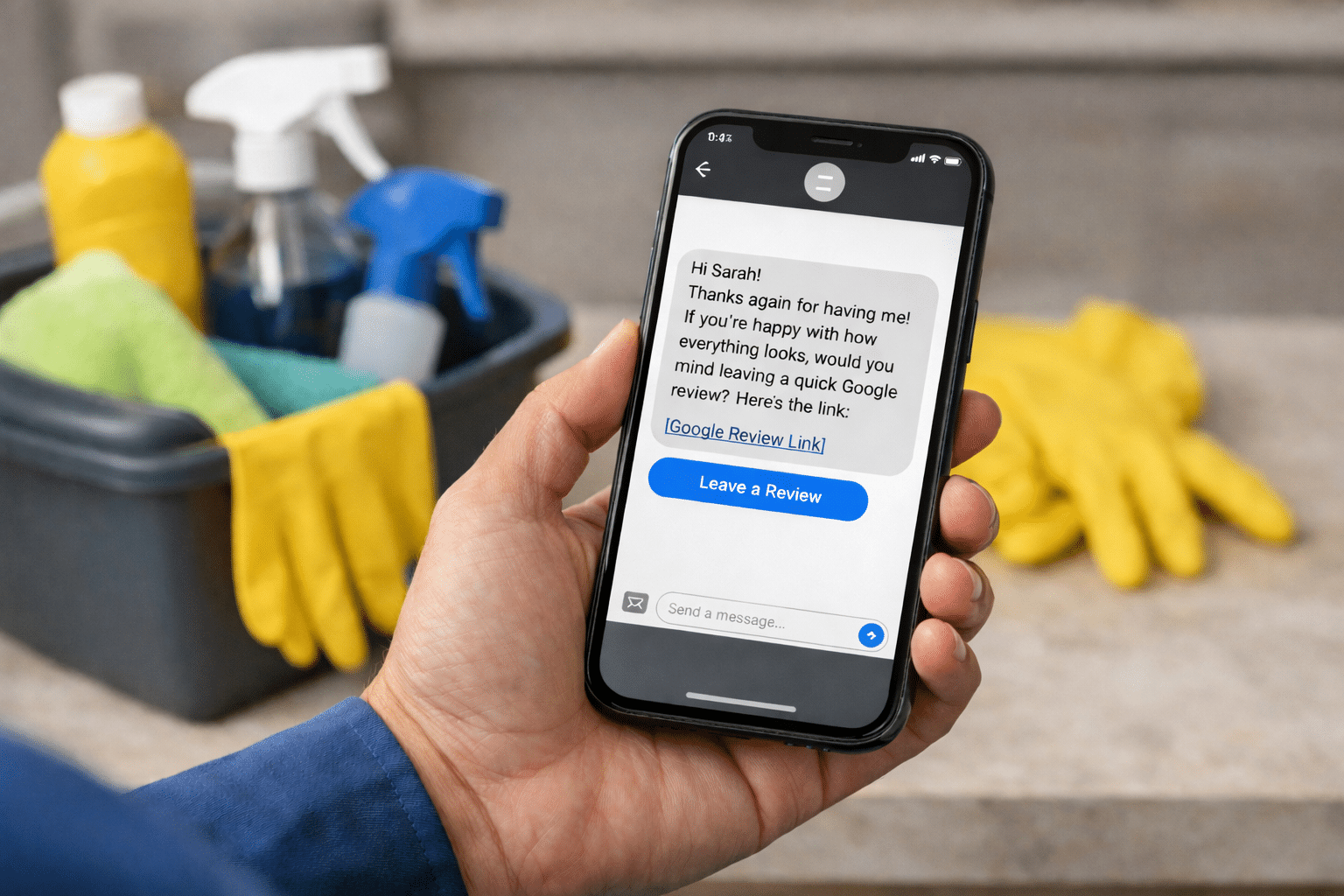
“Hi [Client Name], thanks again for having me! If you’re happy with how everything looks, would you mind leaving a quick Google review? I’m growing my small biz and your feedback helps a lot. Here’s the link: [insert your review link]”
3. Use Keywords Inside Reviews (Without Forcing It)
Google doesn’t just show reviews for social proof — it indexes the words in them.
That means if someone types “move-out cleaning in Roseville” or “pet safe cleaners near me,” and your reviews include those phrases, you show up.
How to influence this naturally:
- Tell clients what kind of review is helpful. Say: “If you can mention what kind of service we did (like deep clean, move-out, etc.), that’s super helpful for people searching.”
Example of a High-Value Review:
“I hired [Your Business Name] for a deep clean before we listed our home in Maplewood. They were amazing — punctual, thorough, and very respectful of our pets. Highly recommend to anyone needing reliable house cleaning.”
Why it works:
- “deep clean,” “listed our home,” “Maplewood,” and “house cleaning” are all keywords clients search for — and now your business is tied to them.
Data Insight: 88% of local SEO experts agree that keywords in user-generated content like reviews help improve search rankings.
4. Showcase Your Reviews Everywhere (Not Just Google)
One of the smartest things I did was turn reviews into marketing content. Don’t just collect them — show them off.
Here’s how:
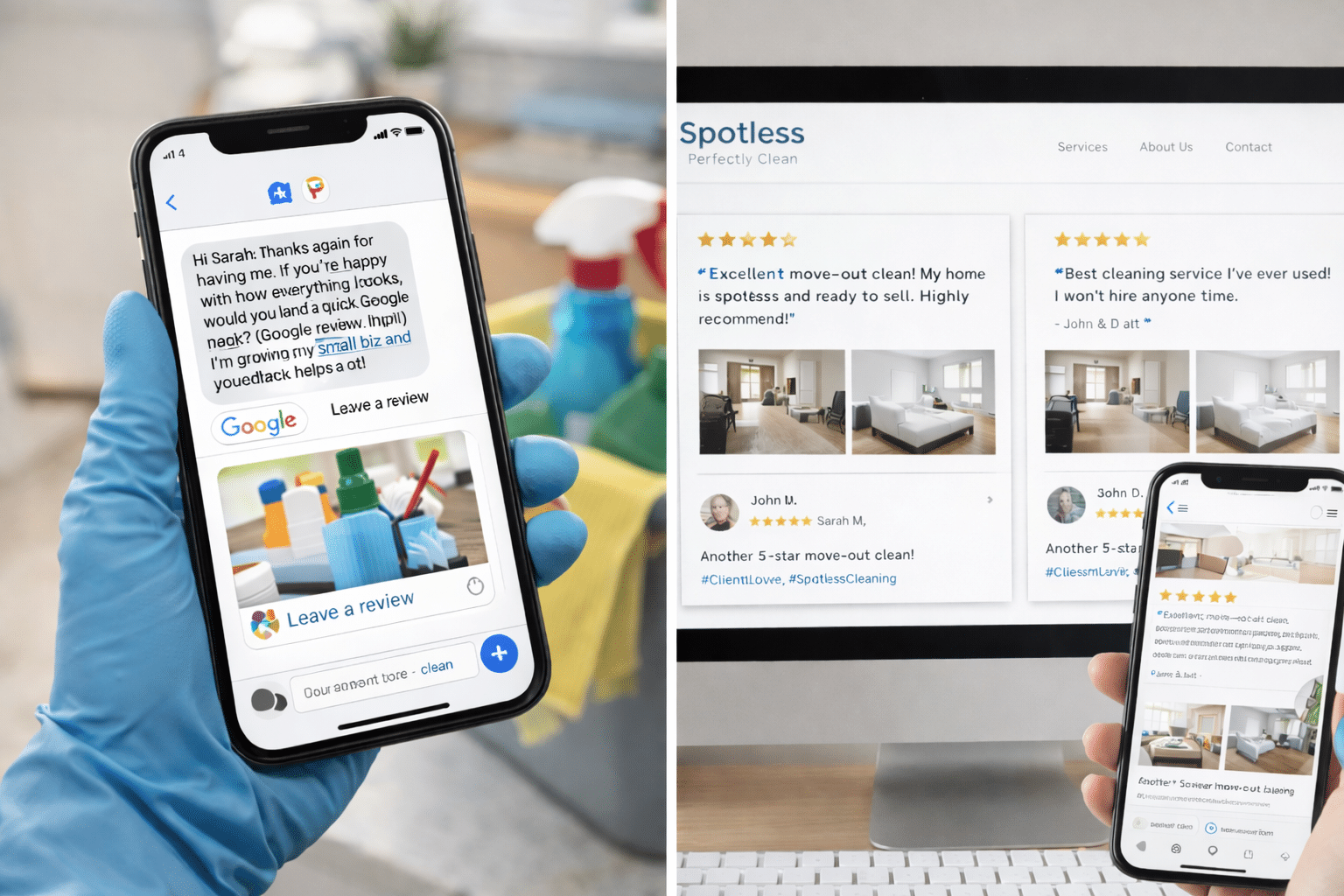
- Screenshot your best reviews and post them to Instagram and Facebook with before/after pics.
- Feature 2-3 standout reviews on your website’s homepage.
- Create a “Client Love” highlight on IG Stories.
- Use Canva to create professional-looking review graphics.
- Add review carousels using tools like Elfsight or EmbedSocial.
Example Post Caption:
“Another 5-star move-out clean in [Neighborhood Name]! This client was thrilled with the results before listing their home. We love making your spaces sparkle ✨ #ClientLove”
Why it works: Clients often check you out on social before reaching out. When your feeds show real feedback and real results, they feel like they know you already.
Pro Tip: Use a Google review widget on your website. It updates automatically and shows credibility in real-time.
5. Respond to Every Review (Even the Bad Ones)
Replying to reviews tells future clients two things:
- You’re active and communicative.
- You care about your clients.
Good reviews: Keep your reply short, personal, and specific.
“Thanks so much, Jenna! It was great helping you get ready for that open house — hope the sale went well!”
Neutral or bad reviews: Stay calm. Don’t argue. Acknowledge, clarify, and invite them to connect offline.
“Sorry to hear you didn’t love the service. I take that seriously. I’d love to make it right. Please call me directly so we can talk.”
True Story: I had a client leave a 3-star review saying I missed a couple spots. I replied kindly, offered a free re-clean, and fixed the issue the next day. She updated it to 5 stars and referred two friends within the month.
Why it works: Google rewards businesses that respond to reviews — and clients see how you handle feedback. It builds trust even when things go wrong.
Stat You Can Use: According to ReviewTrackers, businesses that respond to reviews see 17% more engagement from customers.
Final Thoughts: Reviews That Fill Your Calendar
I used to clean five days a week and barely pay my bills. Now, I’ve got a booked-out calendar, I’m growing a team, and I no longer compete on price and have a quality control system in place.
And it all started with getting serious about reviews.
If you’re trying to break into higher-value homes or stand out in a crowded suburb, Google reviews are your golden ticket — but only if you work them right.
Start with these 5 steps, stay consistent, and watch what happens over the next 90 days. You don’t need ads or fancy websites — just real feedback, used smartly.
