





The Reality of Last-Minute Bookings in a Cleaning Business
When I first started, I treated every last-minute cleaning request like gold. Someone needed a deep clean tomorrow? I’d skip lunch, reshuffle my schedule, and say yes. I thought these fast bookings meant fast money.
But what I didn’t realize was this:
“Saying yes to everything doesn’t grow your business — it drains it.”
Last-minute jobs can throw off your entire day, stress your team, and cause burnout if you don’t have a system.
This blog shares the 6 strategies I use now to handle these requests without overworking myself or my crew — and still get paid well for urgent service.

1. Set a Last-Minute Booking Policy (And Stick to It)
If you don’t define what “last-minute” means in your business, clients will define it for you.
Example Policy:
- Last-minute = any job booked with less than 48 hours’ notice
- Add-on fee: $50 emergency scheduling fee
Post this on your site, include it in your email signature, and explain it during quotes.
Script:
“We can often accommodate last-minute requests depending on availability. Please note a $50 urgency fee applies to bookings within 48 hours.”
Why it works:
- Sets expectations early
- Makes clients value your time
- Helps you say no without guilt
Add-on Tip:
Consider offering a Last-Minute Service Tier with specific conditions: limited service area, prepaid only, includes fewer extras (like interior fridge or oven).
2. Use a “Flex Window” in Your Schedule
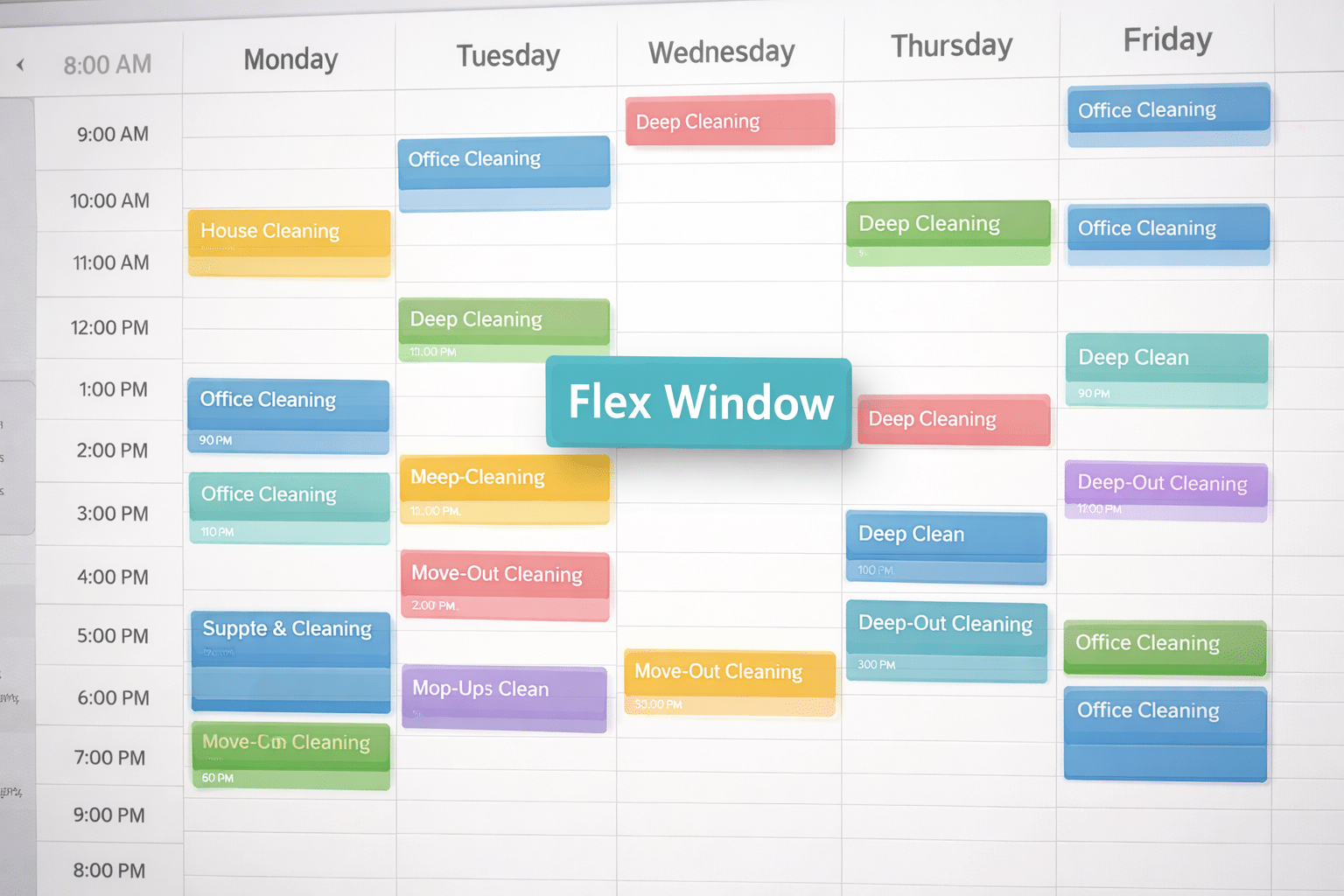
One of the best decisions I made was reserving 1–2 slots per week for last-minute jobs.
I call these flex windows — and they’re held for same-day or next-day requests only.
How it looks:
- Tues 2–4 PM: Flex Window
- Fri Morning: Overflow Slot
If no urgent jobs come in, I fill those with admin work, supplies run, or rest. But when something last-minute pops up, I’m not scrambling.
Pro Tip: Charge a premium rate for these slots to make them worth it.
FAQ:
What if multiple requests come in for the same slot?
Use priority rules (see Section 3), or upsell a higher rate to whoever books first. Fair and simple.
3. Create a VIP Client Priority List
Not all last-minute requests are equal. A weekly client who tips well and always pays on time? That’s different than a stranger needing an emergency deep clean.
I now keep a VIP Priority List of:
- Long-term recurring clients
- Clients who booked premium services
- High-rating clients (if you use CRM tags)
When the schedule is tight, these clients get first dibs on last-minute slots.
Message template:
“Hey [Name], we had a last-minute slot open tomorrow at 10 AM — would you like to claim it before we offer it to others?”
Pro Tip: Tag VIPs in your booking software. Even Google Calendar can work with color codes.
Stat: According to ServiceTitan, companies that prioritize loyalty clients in scheduling see a 30–40% higher client retention rate.
4. Charge Premium Rates for Same-Day Service
Urgency should come with a price. If you drop everything to help someone fast, it needs to be worth it.
Tiered Urgency Pricing (Example):
- Next-day booking: +$25
- Same-day service: +$50–$75
- Holiday/weekend request: +$100+ (or simply “Not Available”)
Most people are fine paying this, especially if they’re in a bind. You’re not just providing cleaning — you’re solving an urgent problem.
Why it matters:
- Filters out time-wasters
- Protects your energy and your team’s
- Makes last-minute jobs profitable
Script for website or phone:
“We offer same-day service based on availability, with a $75 priority fee. This ensures we can rearrange staff and supplies quickly.”
Internal Tip: Track how often you book these to determine whether you should open a new full-time rush slot or keep it limited.
5. Use Smart Automation for Faster Quotes
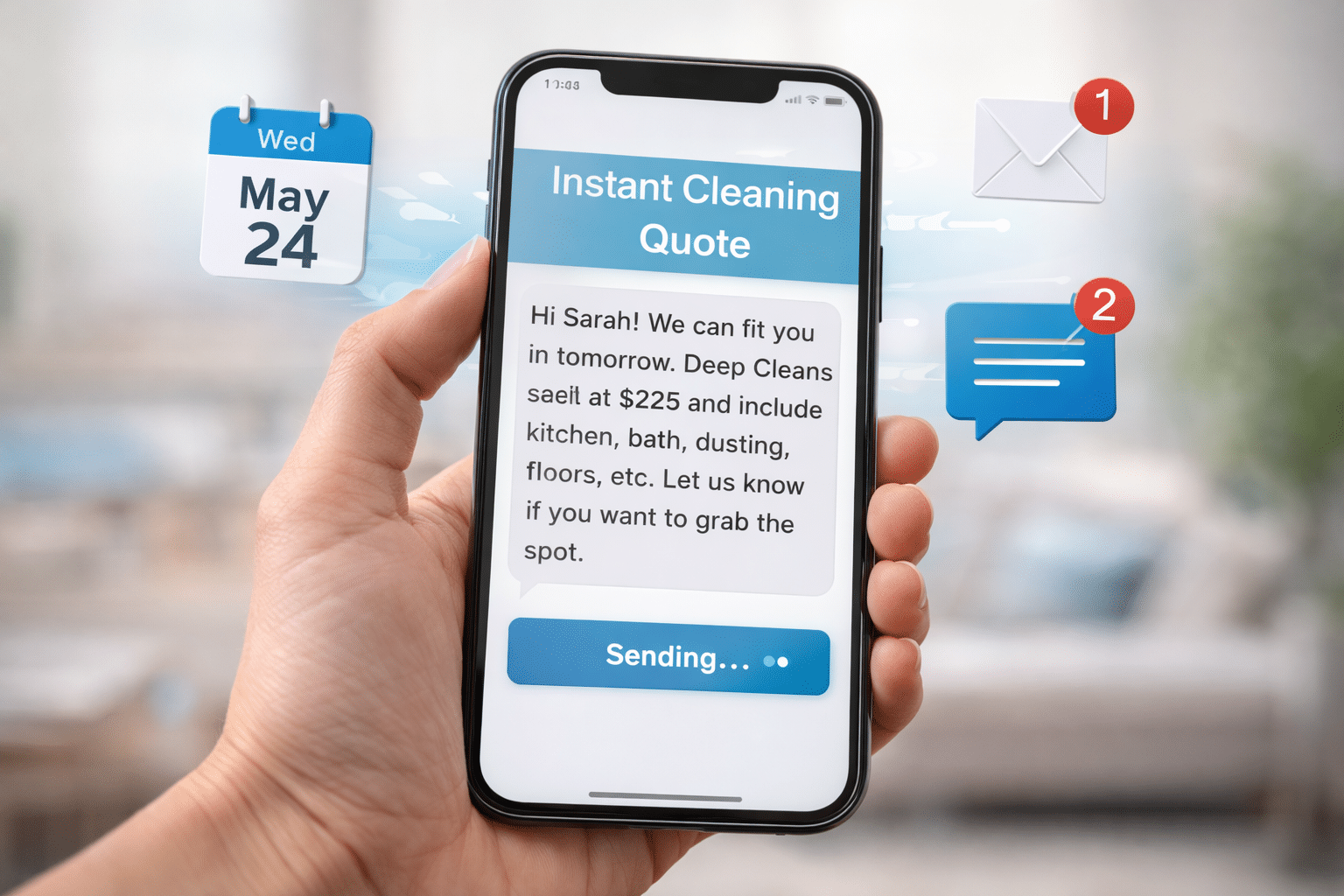
Last-minute clients don’t want to wait hours to get a quote. The faster you respond, the more likely you are to book the job — but you shouldn’t have to do it manually every time.
Tools to try:
- Booking form with instant price ranges (based on size/type)
- Auto-responder email: “Thanks for your request! Here’s what to expect…”
- Text message templates with quote breakdowns you can edit and send quickly
Example Text Template:
“Hi [Name], thanks for reaching out! We can potentially fit you in tomorrow. Deep cleans start at $225 and include kitchen, bath, dusting, floors, etc. Let us know if you want to grab the spot.”
Extra Automation Idea:
Use tools like Calendly + Zapier + MailerLite to automate reminders, confirmations, and pre-clean instructions — even for rush jobs.
6. Train Your Team to Handle Rush Without Stress
If you have a team, rushing jobs can lead to mistakes, stress, and unhappy staff.
Here’s how I prep them:
- Let them know ASAP when a rush job is coming
- Assign only to cleaners who prefer that pace
- Limit rush jobs to 1 per day max
- Always confirm they’re okay with the add-on before assigning
Bonus Tip: Use bonuses: “Any cleaner who picks up a last-minute job gets a $20 bonus.”
Onboarding Tip: Train all new hires with a module on last-minute service — expectations, communication, and pacing.
Pro Insight: Burnout from disorganized urgency is one of the top 3 reasons cleaners quit. Structure prevents churn.
What to Say When You Need to Say No
Sometimes, the best way to avoid burnout is simply not to take the job.
Here are two ways I politely decline without sounding dismissive:
Script 1: Waitlist Offer
“Thanks for reaching out! We’re fully booked today, but I can add you to our waitlist in case something opens.”
Script 2: Redirection
“We’re currently at capacity for urgent jobs. I recommend booking ahead or joining our recurring schedule to get priority.”
Add to Your Site:
Create a simple “Rush Request Policy” page that outlines urgency fees, availability limits, and waitlist option. This sets boundaries before the first message.
Sample Rush Service Web Page (You Can Copy)
Need Cleaning Fast?
We offer limited same-day and next-day appointments. These are designed for:
- Move-outs
- Post-party cleanups
- Guest arrivals
Urgency Fee: $50–$100
Rush bookings require a non-refundable urgency fee and are prepaid only. Availability is limited and based on service area.
📅 Use our form below to request the next available emergency clean.
Final Thoughts: You Can Be Helpful Without Being a Hero
Last-minute requests come with the business. But that doesn’t mean you need to bend over backward every time.
Create structure. Set policies. Charge what you’re worth.
Now, I say yes to last-minute jobs when they make sense — not because I feel pressured. And that shift changed everything for my stress, my profits, and my client relationships.
