





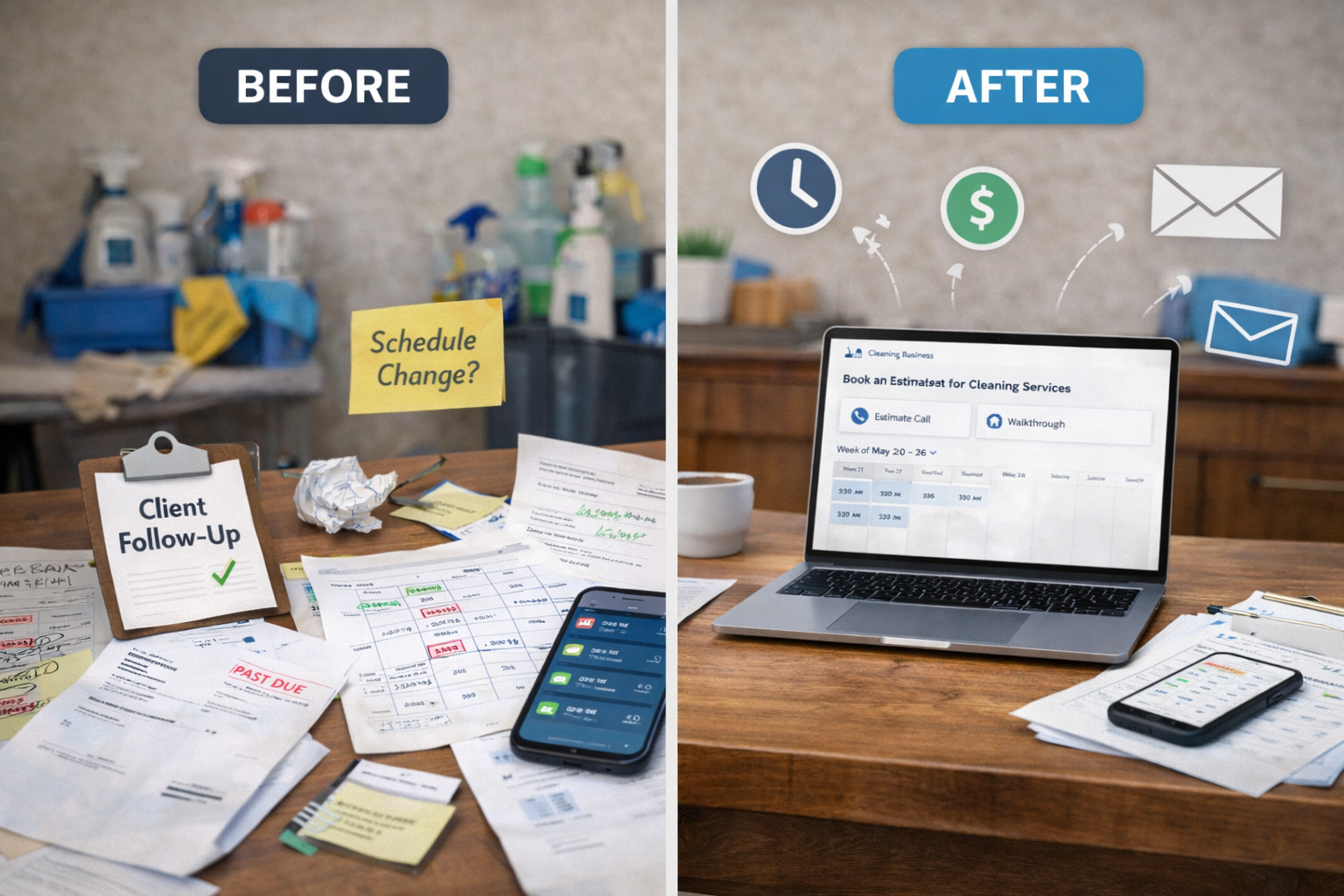
Running a cleaning business taught me something fast. Cleaning is not always the part that drains the week. Admin is.
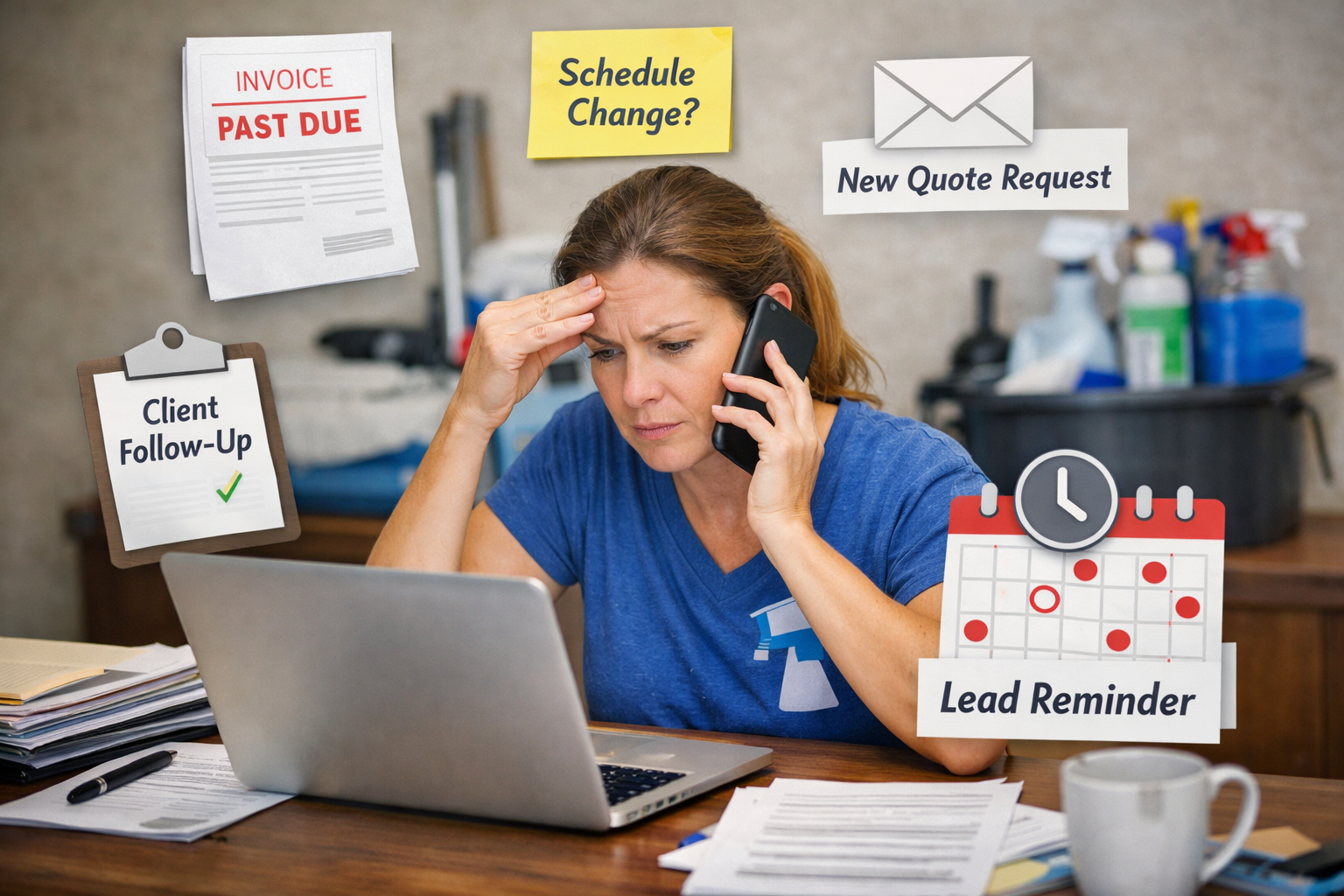
It is the estimated requests that come in while you are on a job. The schedule changes that somehow turn into six text messages. The invoice follow-ups you meant to send yesterday. The recurring client who needed a date shift. The lead that sat too long because the day got away from you.
None of those tasks look serious on their own. Stack them together, and they quietly eat hours every week.
That matters because lost admin time is not just annoying. It slows cash flow, delays replies, creates double work, and keeps owners stuck in the office role long after the field work is done. A 2024 Slack study reported by Salesforce found small business owners lose an average of 96 minutes of productivity per day to wasted work. Intuit’s 2024 Business Solutions Survey also found 95% of respondents believe integrated business solutions are important for growth, especially when too many manual tasks and disconnected systems start dragging the business down.
The fix is usually not a giant software change. It is a handful of small automation wins that remove repeat tasks from your week.
That is the part I want to focus on here. Not shiny tech. Not complicated setups. Just practical automations that help a solo cleaner, a small team, or a growing company get admin under control without creating a bigger mess.
Why small automation wins work better than big system changes
Most cleaning business owners do not need more apps. They need fewer repeated actions.
That is the real bottleneck. The same client information gets typed into two places. The same appointment reminder gets sent over and over. The same invoice follow-up depends on someone remembering to do it. The same booking questions keep hitting the inbox.
When you automate those repeat motions, you free up time without changing the whole business.
This is also where a lot of owners go wrong. They try to solve everything at once. They sign up for too many tools, overbuild the process, then stop using half of it a month later.
A better approach is simple. Look for one task that happens every week, takes longer than it should, and does not require your judgment. That is your first automation.
If you start there, automation feels useful fast. That matters. Quick wins build trust in the process.
1. Let customers book without the scheduling back-and-forth
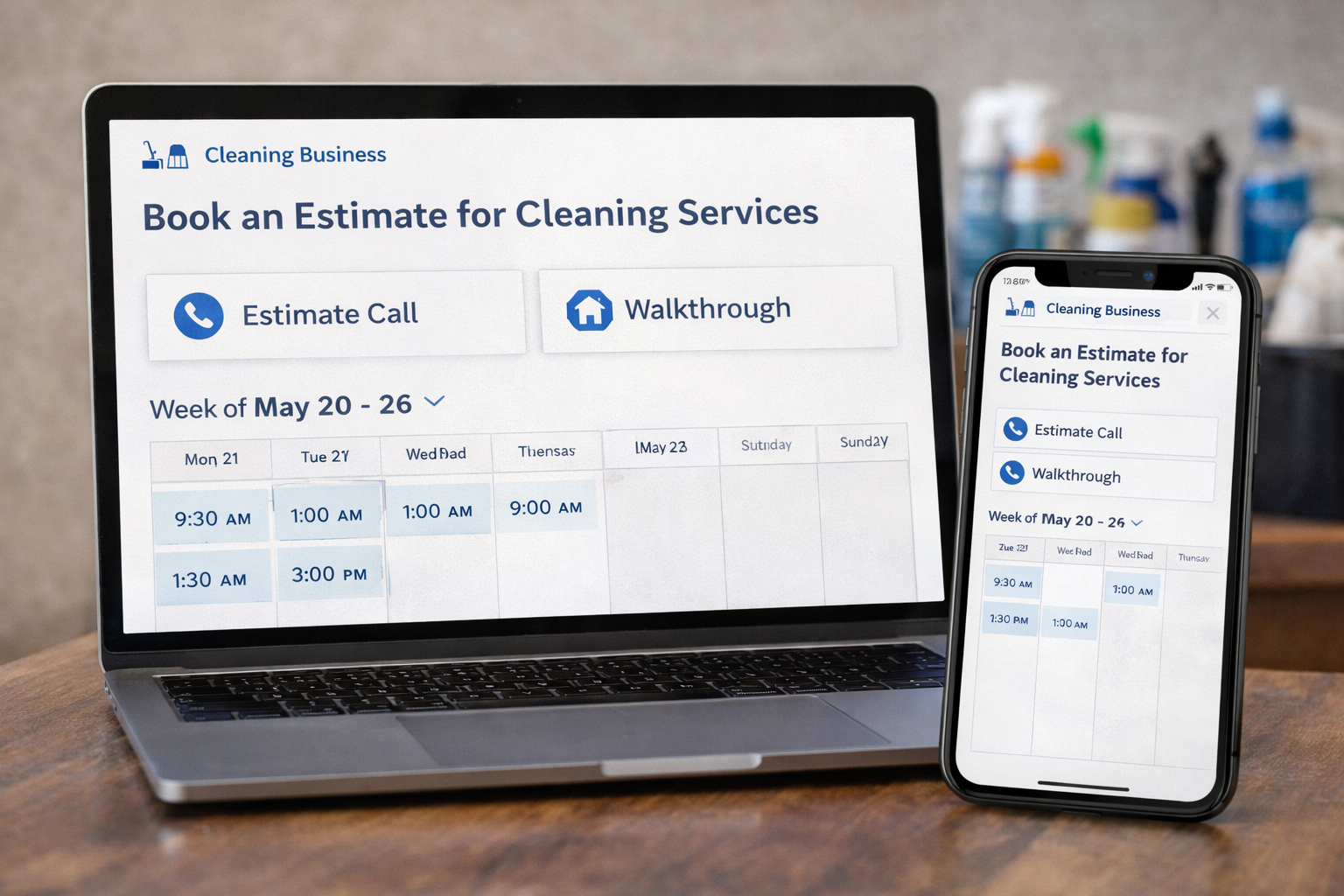
One of the easiest admin wins is online booking for the parts of your schedule that stay predictable.
Google Calendar booking pages let people book time directly based on your availability, and those appointments go straight onto your calendar. Housecall Pro also promotes online booking as a way to reduce back-and-forth and send jobs straight into the calendar automatically.
For a cleaning business, this works best for:
Estimate calls and walkthroughs
These are ideal because they follow a clear pattern. You already know how long they take. You already know when you want to offer them. There is no reason to spend part of every day coordinating those manually.
A solid booking setup helps you:
- reduce phone tag
- respond faster to new leads
- avoid missed estimate opportunities
- stop manually plugging every inquiry into the calendar
The key is control. Do not open your full day. Offer set appointment windows for estimates, quote calls, or consultation slots. That gives clients convenience without letting your calendar run your life.
2. Set reminders once instead of relying on memory every day
Reminder systems save more time than most owners expect.
Housecall Pro’s booking resources recommend automated reminders by email or SMS to reduce no-shows and improve schedule utilization. Jobber also highlights automatic payments and recurring job workflows that depend on predictable communication and billing touchpoints.
For cleaning businesses, reminders work well for:
- next-day appointment reminders
- same-day arrival windows
- payment reminders after service
- recurring customer schedule confirmations
- staff reminders for special job notes
This removes a lot of invisible admin. Not just the message itself, but the mental load of remembering who still needs one.
That mental load matters more than people admit. Owners carry too much information in their heads. Every task that can run on a system instead of memory protects your attention for the parts of the business that need real decisions.
3. Put recurring invoices and payments on a schedule
This is one of the highest-return admin automations in a cleaning business.
QuickBooks supports automatic invoice reminders, while Jobber’s automatic payments feature charges cards saved on file and automatically creates invoices based on billing frequency for recurring work.
That matters because late payments are expensive. Intuit’s 2025 Small Business Late Payments Report says U.S. small businesses with outstanding invoices are owed more than $17,000 each on average.
In a cleaning company, this automation works especially well for:
- weekly residential clients
- biweekly recurring clients
- monthly office accounts
- set-price recurring service agreements
Instead of treating every invoice like a separate event, you build a billing rule and let the system carry the routine.
That gives you three wins at once:
- invoices go out on time
- reminders happen without chasing
- cash comes in faster
It also cuts one of the most annoying forms of admin work, which is deciding how and when to follow up every single time someone pays late.
4. Use email templates for the messages you already send every week
Templates are one of the most overlooked time savers in small service businesses.
Gmail supports saved templates that you can insert into messages and customize before sending.
That works well in cleaning because so many messages follow the same pattern:
- first reply to a quote request
- what to expect before the first cleaning
- access instructions
- reschedule reply
- payment instructions
- applicant response
- review request after a great job
This is not about sending cold messages. It is about not starting from zero every time.
A good template saves the structure, the service details, and the next step. Then you personalize the customer name, the job type, and anything specific to their request.
That one shift can cut inbox time hard, especially for solo owners who are replying between jobs, during pickups, or late at night.
5. Stop entering the same information twice
Manual data entry is where a lot of admin time disappears.
Zapier’s QuickBooks and Google Sheets integrations are built for no-code automation between apps, so information can move from one system to another without being retyped.
In a cleaning business, simple automations like these can save real time:
- website form fills create a lead entry automatically
- approved estimates trigger a task or follow-up
- completed jobs push data into invoicing
- payments trigger a team notification
- recurring customer changes update a shared tracker
The big mistake here is trying to connect everything. Do not do that first.
Start with one question: What am I typing into two places right now?
That answer usually points straight to your best next automation.
If the office is entering customer info into the CRM, then into the invoice system, then into a cleaner notes sheet, that is a workflow problem. Fix one handoff at a time.
6. Build recurring scheduling so it runs with fewer touches
Recurring customers should be the easiest part of your week to manage.
Too often, they are not. Their notes live in old texts. Their access details are buried in one person’s phone. Their preferred day is written in one app, while billing sits in another.
Jobber’s recurring job tools allow scheduled invoices and automatic payments tied to billing frequency, while Housecall Pro’s booking and customer tools focus on self-service scheduling, calendar updates, and automated follow-up.
A cleaner recurring workflow should handle:
- service frequency
- assigned cleaner or team
- access instructions
- special notes
- invoicing schedule
- reminder timing
- easy rescheduling when needed
If recurring customers still need heavy manual handling every week, the system is leaking time.
This is a major growth point for cleaning businesses. When recurring work runs cleanly, your admin does not scale at the same rate as your revenue. That is one of the best signs that your business is becoming easier to operate.
7. Automate follow-up so leads do not die in the inbox
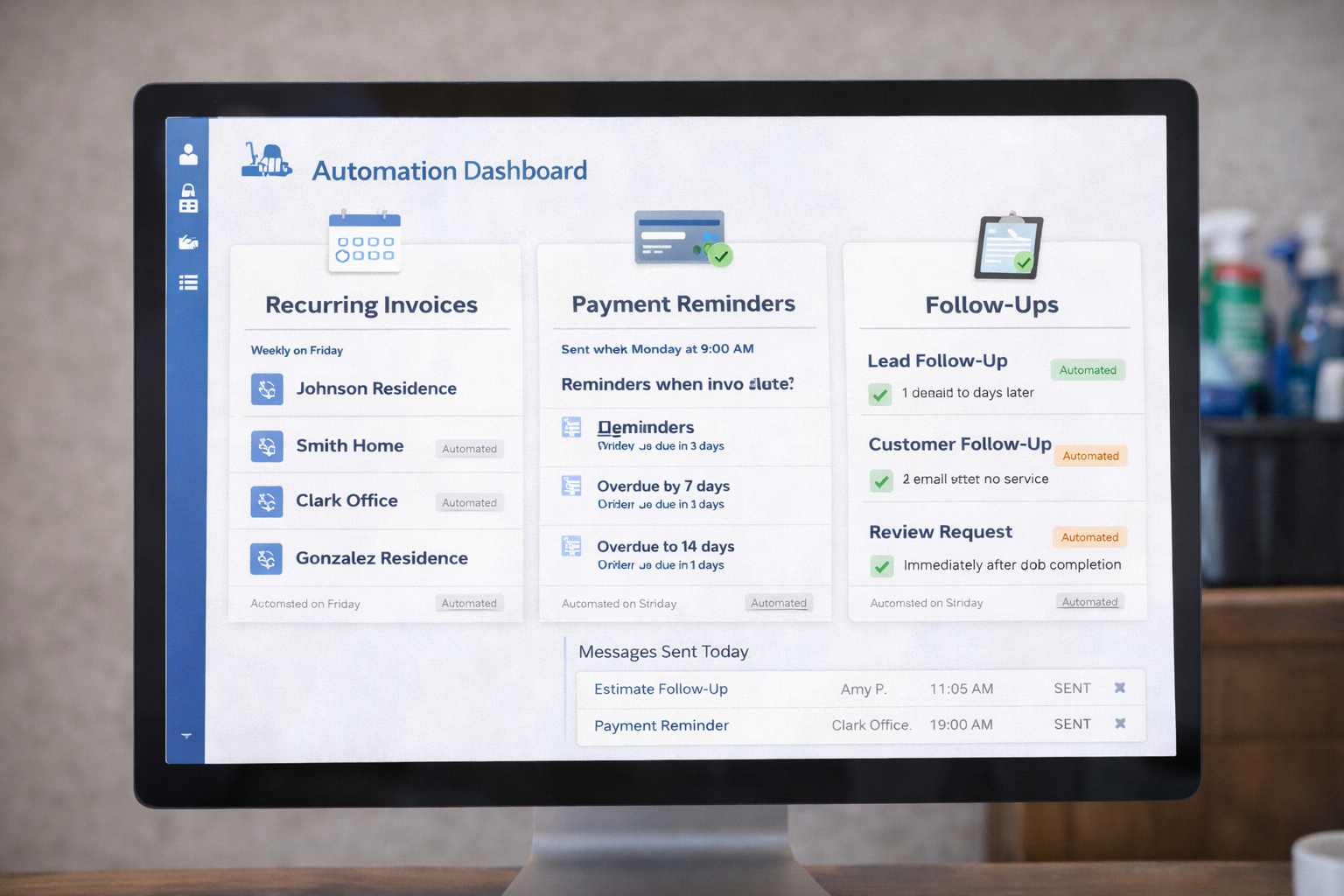
A lot of cleaning companies do not have a lead problem. They have a follow-up problem.
Housecall Pro’s online booking and pipeline features explicitly focus on automated follow-ups and lead conversion, and Google Calendar booking pages help remove the delay between inquiry and appointment selection.
That matters because speed still wins. When someone is looking for a cleaner, they usually contact more than one company. The business that replies clearly and quickly has an advantage.
Simple automation helps you do that with:
- instant confirmation that the request came through
- estimate follow-up after 24 hours
- a second check-in after a few days
- post-service follow-up after the first clean
- review requests after strong visits
- reactivation emails to past customers
This is where automation stops being just an admin tool and starts improving conversion.
You are not automating sales pressure. You are automating consistency.
How to choose tools without creating a bigger headache
Not every app saves time. Some just move the mess to a new screen.
Before you add a tool, run it through three filters.
It should remove a repeated task
If the task happens every week, takes time, and does not need your judgment, it is a strong automation candidate.
It should reduce customer back-and-forth
The best systems answer routine questions, confirm appointments, collect payments, or move bookings forward without extra effort from your team.
It should make job information easier for your team to access
If cleaners still need to call you for gate codes, service notes, or schedule changes, the admin problem is not fixed.
That last point matters. Good automation does not just help the office. It helps the field team get what they need without dragging the owner back into every detail.
A simple 30-day rollout plan
Do not automate seven things this month. Automate one, then stack the next.
Here is a practical order:
Week 1: online booking for estimates or quote calls
Week 2: appointment reminders and basic customer confirmations
Week 3: recurring invoices and payment reminders
Week 4: one template set for leads, first cleans, and payment follow-up
That alone can cut hours of admin time each week.
Once those are stable, move to follow-up sequences, recurring schedule cleanup, and app-to-app data handoffs.
Small wins beat complicated plans because small wins actually get finished.
The real goal is not more automation. It is less owner drag.
That is the shift I think more cleaning business owners need to make.
You do not need to automate everything. You need to stop touching the same low-value tasks over and over.
That is what frees up time for hiring, quality control, sales, training, and customer retention. It also gives you something just as valuable, which is a business that feels less reactive.
And that is the real benefit here. Less admin chaos. Fewer dropped balls. Faster replies. Cleaner billing. Better follow-up. More control over the week.
A few small automation wins can do that.
Start with one task you are tired of repeating. Build the system once. Then let it carry the load.
